Your game collection,
levelled up.
Scan the barcode on any game to add it to your Locker. Track what you play, review what you finish, and earn XP to climb from Noob to Primordial.
Scan it in
Point your camera at the barcode. Box art, platforms and details appear instantly.
Rate & review
Log what you're playing, what you've beaten and what you thought of it.
Earn XP
Every game, review and completion earns XP. Level up and unlock collector ranks.
Share your wishlist
Send one link. Friends see what you want and mark what they're buying.
12 ranks. How high can you climb?
From your first game to legendary collector status.
🔥 Most collected on XP Locker
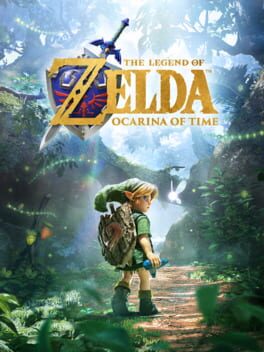
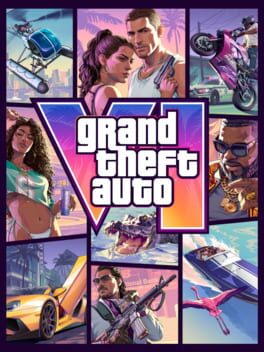





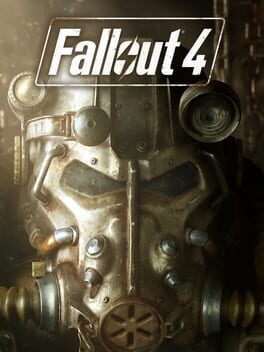
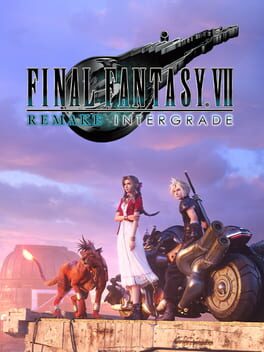



📲 Get XP Locker on your phone
Install it free in 10 seconds — no app store, no download size. It opens full screen with its own icon, and the barcode scanner is one tap away.
Questions
What is XP Locker?
XP Locker is a free video game collection tracker. Scan the barcode on your games or search by title, track what you own, what you're playing and what you've finished, write reviews, and share a wishlist friends can buy from.
How do I add my games?
Tap Scan and point your phone camera at the barcode on the back of the box, or type the game's name. XP Locker finds the game with its cover art, platforms and description.
How do XP and ranks work?
You earn XP for adding games, finishing them, rating and reviewing them, sharing your wishlist and more. XP raises your level, and levels unlock 12 collector ranks from Noob to Primordial.
Can friends buy games from my wishlist?
Yes. Share your wishlist link and friends see every game with a buy link. They can mark a game as "I'm getting this" so nobody buys it twice, and you won't see who is buying what.
Which consoles does XP Locker support?
All of them: PlayStation 5 and 4, Xbox Series X|S and One, Nintendo Switch, PC, and retro systems such as the N64, SNES, PS1, PS2, GameCube, Game Boy and Mega Drive.
Is there an XP Locker app?
Yes. XP Locker installs straight from your browser on iPhone and Android: tap "Get the app" and it appears on your home screen with its own icon, opening full screen like any other app. App Store and Google Play versions are coming.
Is XP Locker free?
Yes, XP Locker is free to use. Create an account to save your collection and appear on the leaderboard.
Ready to open your Locker?
It takes 10 seconds. Your first game earns your first XP.